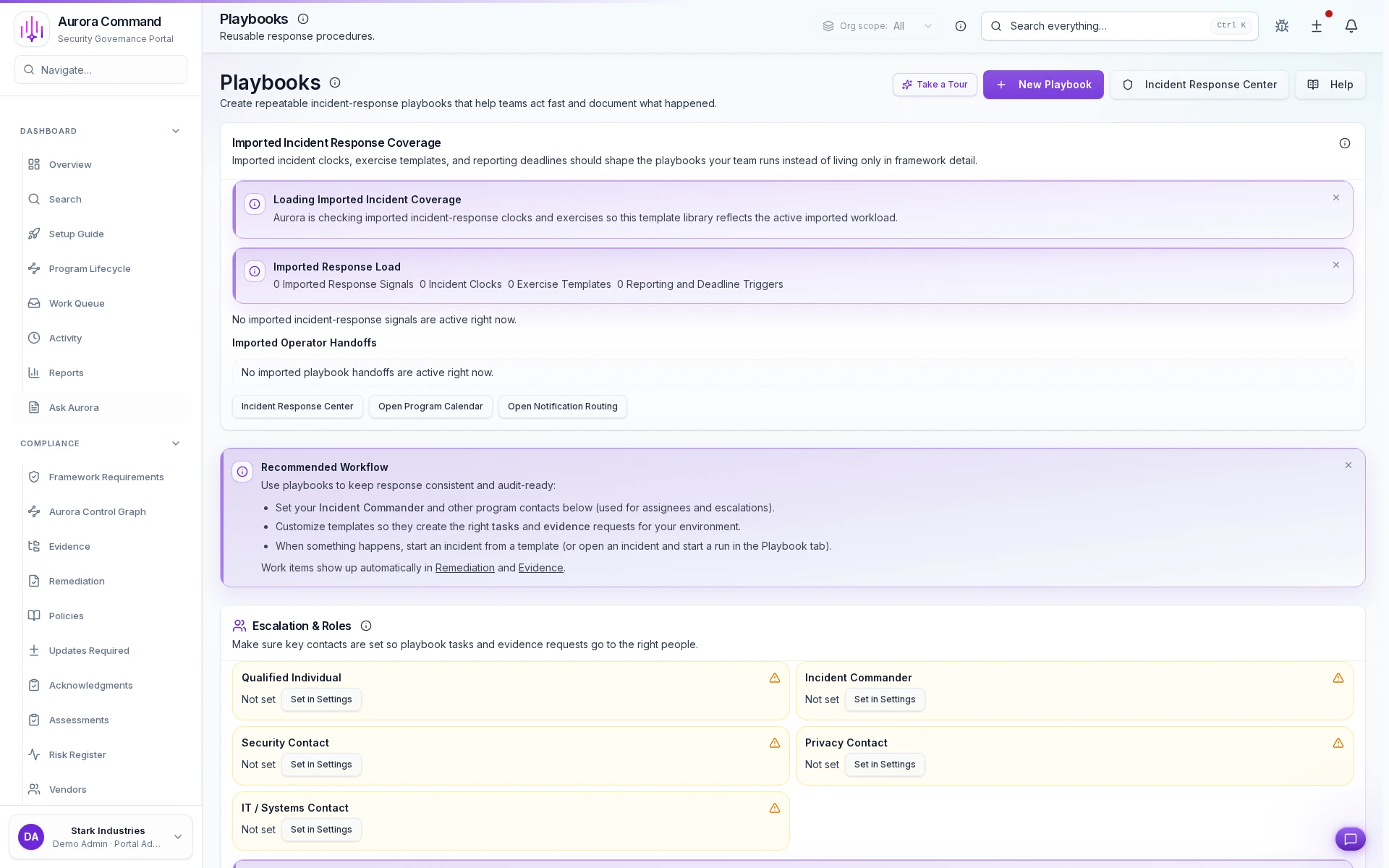
Build Incident Response Plans That Stay Drill-Ready
See how response playbooks are versioned, assigned to incident types, and kept drill-ready before an event.
What you'll see
See the exact workflow, the proof that stays attached, and the control points that keep reviews from turning back into document chasing.
What you can verify in this walkthrough
You are seeing the live workflow, the attached proof trail, and the control points that matter once reviewers ask follow-up questions.
Severity triage is structured
Incidents receive severity classification at intake so escalation paths and response expectations are clear from the start.
Timeline capture is automatic
Every action, status change, and communication is logged chronologically without manual note-taking.
Escalation context stays intact
When incidents escalate, the full context travels with them so new responders start from facts, not summaries.
Why this workflow matters
This workflow keeps the proof, ownership, and status context attached to the work itself, so teams do not rebuild evidence packages from scratch for each review cycle.
Tell us about the review, renewal, or framework rollout in front of you
In the live walkthrough, we map the workflow to your environment, show what stays current between review cycles, and open the governed handoff Aurora produces.
Version Your Playbooks Before Audit Season
Playbook versions, tabletop outcomes, and follow-up tasks linked to readiness evidence.
What Most Teams Open Next
Most teams follow this walkthrough with the next proof flow they need to tighten, whether that is evidence collection, reviewer sharing, or readiness follow-through.

Support Requests
See how requests are triaged, assigned, and resolved with a defensible ownership trail.

Messaging Operations
See how high-accountability communications are launched, acknowledged, and documented from one timeline.

Command Center
See how Aurora monitors device coverage, collector health, and incoming telemetry from one command view.