Coordinate Emergency Drills With Timestamped Proof
See how emergency messages are launched, tracked, and escalated until every acknowledgement is in.
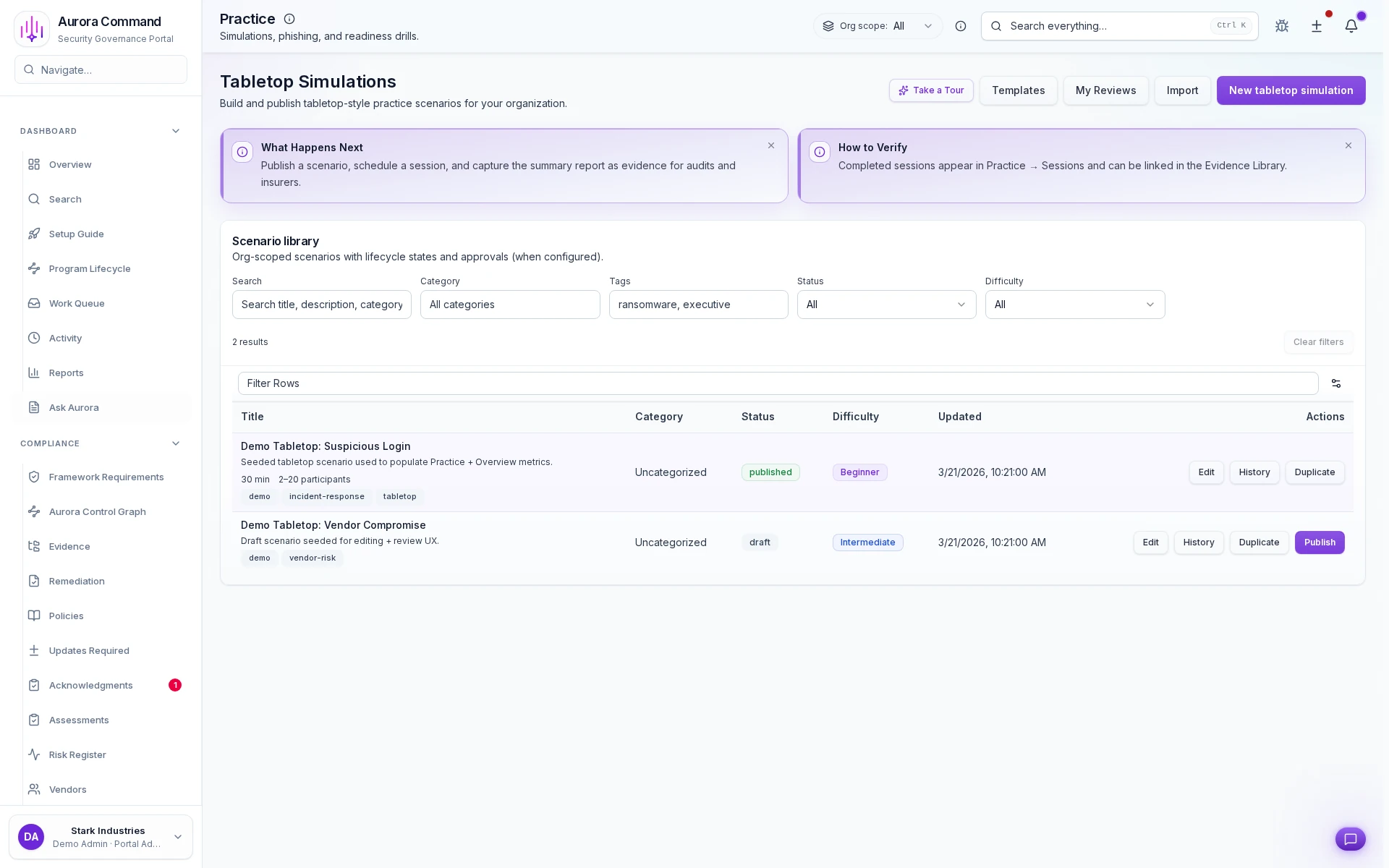
What you'll see
See the exact workflow, the proof that stays attached, and the control points that keep reviews from turning back into document chasing.
What you can verify in this walkthrough
You are seeing the live workflow, the attached proof trail, and the control points that matter once reviewers ask follow-up questions.
Template-driven drill setup
Drill scenarios start from governed templates so exercises are repeatable and comparable across sessions.
Live execution captures outcomes
Participation, response times, and communication delivery are recorded as drills run, not reconstructed afterward.
Evidence generation is automatic
Session outcomes produce timestamped evidence artifacts that satisfy BCP and compliance drill requirements.
Why this workflow matters
Emergency drills without records fail compliance tests. When templates, session outcomes, and participation data create evidence artifacts, BCP requirements are satisfied.
Tell us about one drill scenario
In the live walkthrough, we show template selection, live session execution, and how outcomes become compliance evidence.
Drill Records, Not Drill Memories
Drill execution with participant-level response records and acknowledgement timing evidence.
Where This Fits
See how this walkthrough connects to broader workflows
- Plan incident response procedures
- Rehearse with tabletop exercises
- Coordinate crisis response
Continue Your Journey
Pick up where this walkthrough leaves off, or explore a related proof flow.

Emergency Acknowledgement Timeline
See who received, acknowledged, and escalated each emergency message in a timestamped record.

Messaging Operations
See how high-accountability communications are launched, acknowledged, and documented from one timeline.

Incident Response
See how incidents are triaged by severity, tracked on a timeline, and escalated with full context.

